
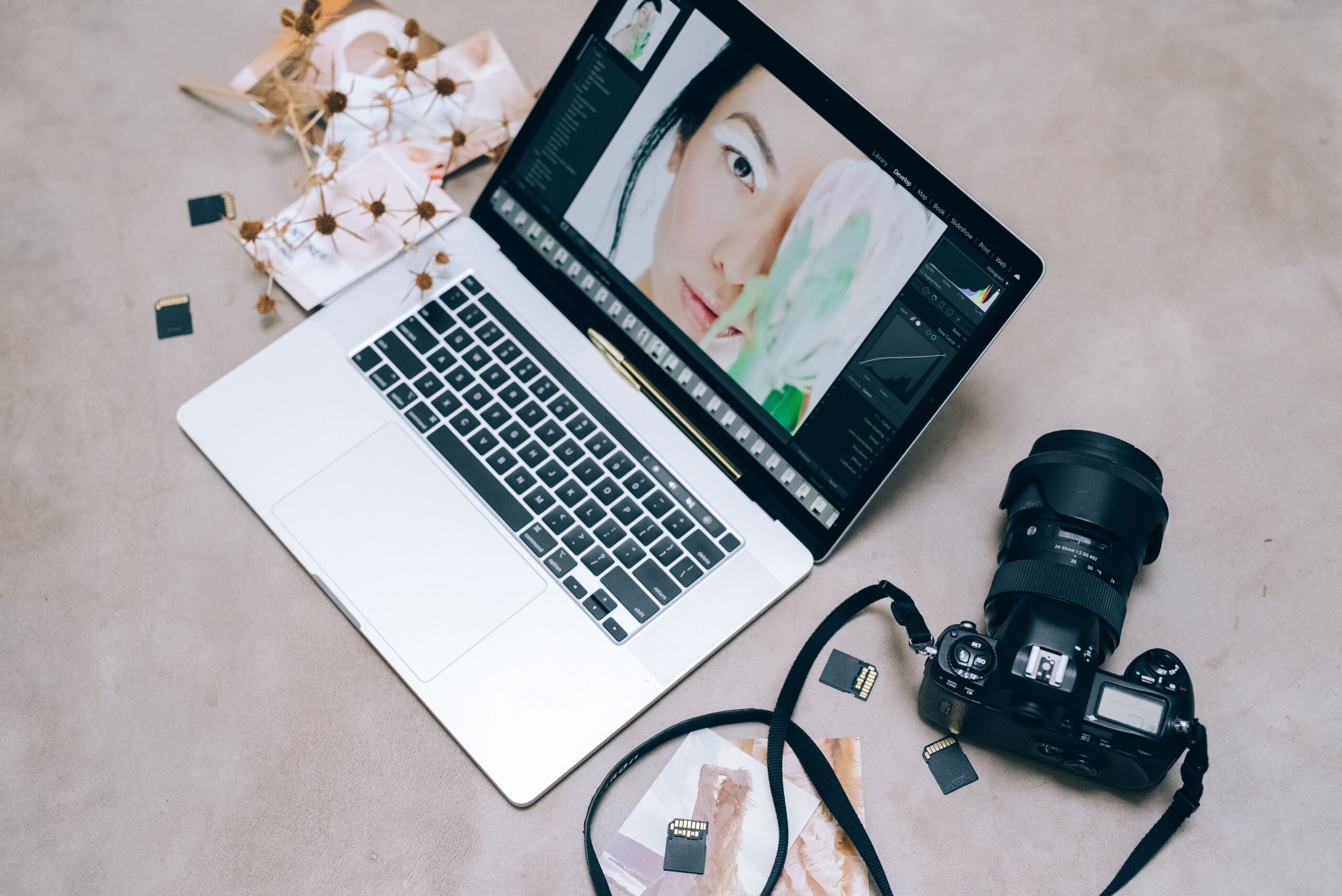

Let’s be honest. AI has totally changed how people create, edit, and handle visual content. Image editing used to mean fancy specialized software. Deep technical know-how. And hours of fiddly manual tweaks. Exhausting, right? Now generative AI lets you describe visual changes in plain words. And you get an edited result in seconds. Pretty wild. This shift is making image creation way more accessible. But it’s also stirring up new questions, too. About accuracy. Consistency. Privacy. And creative control.
Understanding Generative AI Image Editing
Old-school editing usually means messing with every single piece of a photo yourself. Cropping. Masking. Color correction. Removing objects. Swapping backgrounds. Each one could take several separate steps. Generative image editing? Totally different approach.
You don’t have to change every element by hand anymore. Nope. Just hand over an existing image. Plus an instruction describing what you want changed. An AI model checks out the visual info. Then it tries to create a new version that follows your instruction. Easy.
Picture this. You upload a photo of a room. Then you ask the system to change the wall color. But keep the furniture and layout exactly the same. Done. More advanced systems can do even more, too. Handle multiple instructions. Mix reference images. Change subjects. Or whip up totally new scenes from text.
The Rise of More Capable Image Models
Modern image systems have moved way past simple text-to-image creation. More and more, they work with both written instructions and visual references. Here’s the deal. That makes them super handy when keeping an existing subject or composition matters.
Models like Nano Banana 2.5 show where things are heading. Toward conversational image creation and editing. You don’t have to learn every function in a traditional editing app. Just explain the change you want. In plain language.
This is especially great if you wanna play around with different visual ideas. Without burning tons of time rebuilding an image from scratch.
Why Consistency Matters
One of the biggest headaches with AI images? Keeping things consistent. A model might crank out a gorgeous image. But accidentally change someone’s facial features. Or an object’s shape. Or important bits of the original composition. Sneaky, right?
Consistency really matters when you’re making a series of images. Think about a fictional character in a children’s story. An object showing up in several product concepts. Or a scene built from different camera angles. If the subject keeps changing between images, the whole thing falls apart. No continuity at all.
Newer image models are built to do better here. They pay closer attention to reference images. And to earlier instructions. But consistency still isn’t guaranteed. Not even close. You might need to tweak your prompts. Give clearer references. Or go through a few rounds before you’re happy with the result.
Natural Language Is Becoming an Editing Interface
Another big change? Plain everyday language is becoming the way you edit. No more hunting through menus for one specific adjustment. Just describe the result you want.
Instructions like “make the background warmer,” “remove the object on the table,” or “change the clothing while keeping the person’s appearance consistent” show how conversational editing works. Simple, right?
Does this make traditional editing skills useless? Nope. Knowing your stuff still helps. Composition. Lighting. Perspective. Color. Image resolution. But AI can cut down a lot of the boring, repetitive technical work. The grind of turning an idea into an actual visual.
Practical Uses Across Different Fields
AI image editing pops up in tons of creative and professional areas. Designers can use generated visuals to test early ideas. Before diving into detailed production work. Content creators can whip up illustrations for articles. Social media posts. Presentations. Educational material, too.
Businesses might use generative images for brainstorming, too. Packaging ideas. Interior layouts. Promo designs. Product scenes. Educators can make visual examples to back up lessons. And regular folks can play around with personal photos. Or try artistic transformations.
What’s the best use? Depends on the job. Generative AI really shines when you’re brainstorming and experimenting. But super controlled production work? That might still need regular editing. And a professional review, too.
Limitations Users Should Understand
Things are improving fast, sure. But AI image editing still has limits. Let’s be real. Generated images can have wrong details. Warped objects. Messed-up text. Or random stuff you never asked for. Small mistakes can be easy to miss at first. Then they jump out when you view the image bigger. Sneaky little errors.
Text inside generated images needs a careful check, too. A design might look totally convincing. And still have spelling mistakes. Or wrong info. So for professional materials, check every important detail. Don’t assume AI results are automatically accurate. Don’t just trust it and move on.
Oh, and your original reference image matters, too. A blurry, low-res, or badly lit photo gives the AI less to work with. Better inputs usually mean a more predictable editing process. Garbage in, garbage out, basically.
Privacy and Responsible Image Use
All this convenience makes privacy a big deal, too. Know how a service handles your uploaded photos. Might your images get stored? Or used for other purposes? Worth checking.
Take extra care with private family photos. Confidential business stuff. Or images with sensitive info. And think about copyright and consent, too. Especially when editing photos of other people. Or transforming something someone else made. That’s where it gets shady.
Using AI responsibly means treating it as a creative tool. Not assuming anything you find online is automatically fair game to reuse or change.
The Future of Visual Creativity
So where’s AI image tech headed? Toward faster, chattier, more controllable workflows. The line between creating an image and editing one is getting blurry. Models are learning to understand text, images, and context all together.
The biggest change might not just be better image quality, though. It’s being able to share an idea directly. Then refine it step by step, back and forth. Describe a concept. Check the result. Spot what needs fixing. Then keep polishing the image.
As these systems keep growing, human judgment still matters. Big time. AI can speed up experimenting and cut out repetitive work. But you still have to decide a few things. Is the image accurate? Appropriate? Original? And does it actually fit what it’s meant for? That mix of human creativity and ever-smarter image tech? It’s gonna shape the next wave of digital visual content.
→ See more great stories on our homepage.