
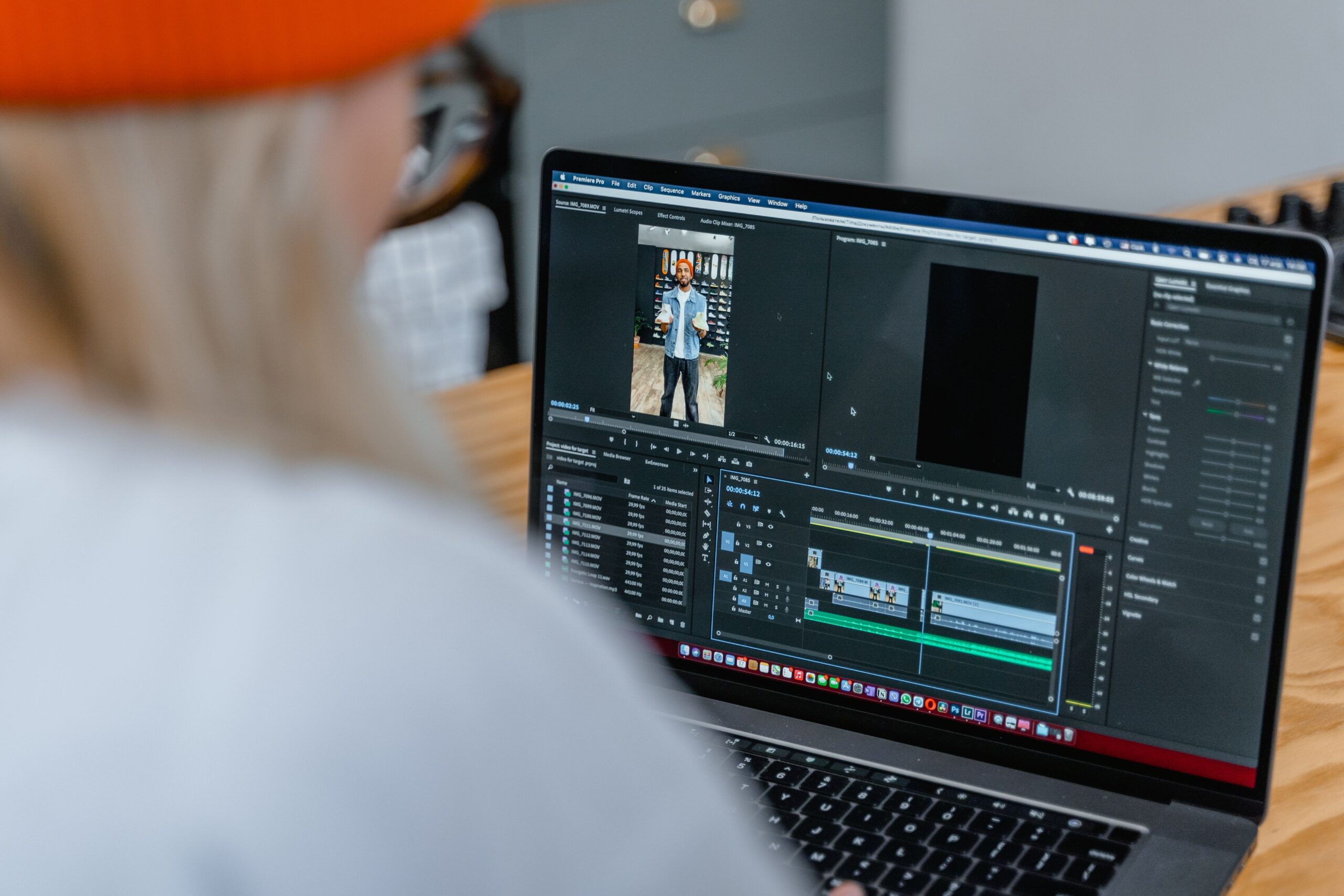

Video editing’s changed a lot over the past decade, honestly more than most people probably realize. Stuff that used to demand expensive software, a beefy computer, and years of practice is now something almost anyone can do off a phone or a laptop. A big chunk of that shift comes down to platforms like CapCut — a free editing app that’s basically become the go-to tool for casual creators, social media influencers, and small businesses alike.
At the same time, AI’s been quietly reshaping how people actually approach editing in the first place. Tools built around conversational AI let people brainstorm, write scripts, and even steer edits through nothing more than a plain text prompt. Put those two things together, and the barrier to making a decent video has basically collapsed — beginners can pull off stuff now that would’ve needed a real production budget not that long ago.
So What Is CapCut, Exactly?
CapCut’s a video editing app made by ByteDance — yeah, the same company behind TikTok. It started as a mobile-first tool but’s since spread to desktop (Windows, macOS) and even a web version. It’s probably best known for how tightly it plugs into short-form social content, but it’s grown into a much broader editing suite that handles longer projects just fine too.
The real appeal here is the balance CapCut strikes between simplicity and actual depth. Beginners can start with ready-made templates, drag-and-drop timelines, and auto-captions and be done in ten minutes. More experienced editors can dig way deeper — keyframes, chroma key, speed curves, multi-layer audio editing, all the stuff a serious editor actually wants control over. That range is exactly why it’s pulled in such a wide crowd, from teenagers making TikToks to small business owners cutting promo clips on their lunch break.
Why CapCut Actually Took Off
A handful of things really drove the fast adoption here. The template library alone is huge and constantly updated, tied to whatever music, transitions, and visual styles are trending that week — drop your own clips into one and you’ve got something polished in minutes, no editing skill required.
Auto-captions matter a lot too, more than people give them credit for. Speech-to-text has basically become non-negotiable for social content now, both for accessibility and for actually keeping people watching, and CapCut’s version is fast and reasonably accurate — saving hours that used to go into manual transcription.
On top of that, there’s a genuinely huge library of effects, transitions, and filters, a lot of them built specifically for vertical video. It works across mobile, desktop, and web too, so projects move between devices without much hassle — handy for anyone who films on their phone but prefers editing on a bigger screen. And the core editing features cost nothing, though some premium effects and cloud storage do sit behind a subscription.
How AI’s Actually Reshaping Editing
AI’s worked its way into nearly every stage of making a video at this point. It can stabilize shaky footage, pull off background removal with no green screen, generate subtitles, suggest music, even carve short clips out of a long recording on its own. All of it takes real technical weight off an editor’s shoulders and leaves more room to actually focus on the story.
Conversational AI adds another layer on top of that. Instead of digging through menus or watching a tutorial, creators can just describe what they want in plain language and get suggestions, scripts, or step-by-step guidance back. This is really where a ChatGPT video editing tool complements something like CapCut well — helping brainstorm concepts, outline a script, suggest pacing, or explain how to pull off a specific effect. For anyone who feels genuinely overwhelmed by complex software, having something like that around to lean on makes the learning curve a lot less brutal.
Worth being honest about, though — AI doesn’t replace creative judgment here. It speeds up the repetitive stuff and throws out suggestions, but the actual calls about tone, style, and narrative still sit with the editor. The workflows that actually work best combine real human creativity with AI’s efficiency, rather than leaning entirely on automation and hoping it comes out right.
Where This Actually Gets Used
The combo of accessible editing apps and AI assistance pays off in a lot of everyday situations. Influencers and small brands can put out consistent, professional-looking video without hiring a production team. Teachers and students can build instructional videos, presentations, and project reports complete with captions and visual aids. Local shops and service providers can edit promo clips, testimonials, and product demos on basically no budget at all. Even families and hobbyists get to document trips, events, and milestones using effects that used to require actual professional software.
Different situations, sure, but the goal’s basically the same across all of them — communicate clearly and keep people’s attention, without burning excessive time or money getting there.
What’s Worth Keeping in Mind
No editing tool’s perfect, and CapCut’s got its fair share of criticism too. Some users have raised real concerns about data privacy and how project info gets handled. Others point out the free version slaps watermarks on certain exports, or locks premium effects behind a paywall. Performance can also swing depending on the device — high-resolution footage or a complex timeline can bog things down on weaker hardware.
AI tools come with their own baggage too. Generated scripts often need a real editing pass to actually sound like the creator’s own voice, and auto-captions can mishear accents or technical terms more often than you’d hope. Treating AI as a helpful assistant rather than some infallible authority is really the most realistic way to work with it.
Where Accessible Editing’s Actually Headed
The direction here’s pretty clear. Editing software keeps getting more intuitive, more collaborative, and genuinely smarter. Mobile-first platforms like CapCut have already proven that professional-looking results don’t need professional-grade gear behind them. AI assistants are making the whole process faster and a lot less intimidating for people who’ve genuinely never edited anything before.
For anyone curious about getting into video, the barrier’s never been lower than it is right now. Starting with a free app, messing around with templates, and leaning on AI for guidance is a genuinely practical way to build real skill over time. As all this keeps maturing, the gap between amateur and professional output’s only going to keep shrinking — giving a lot more people the ability to actually share what’s in their head through video.
→ For deeper coverage, head to our full archive.



